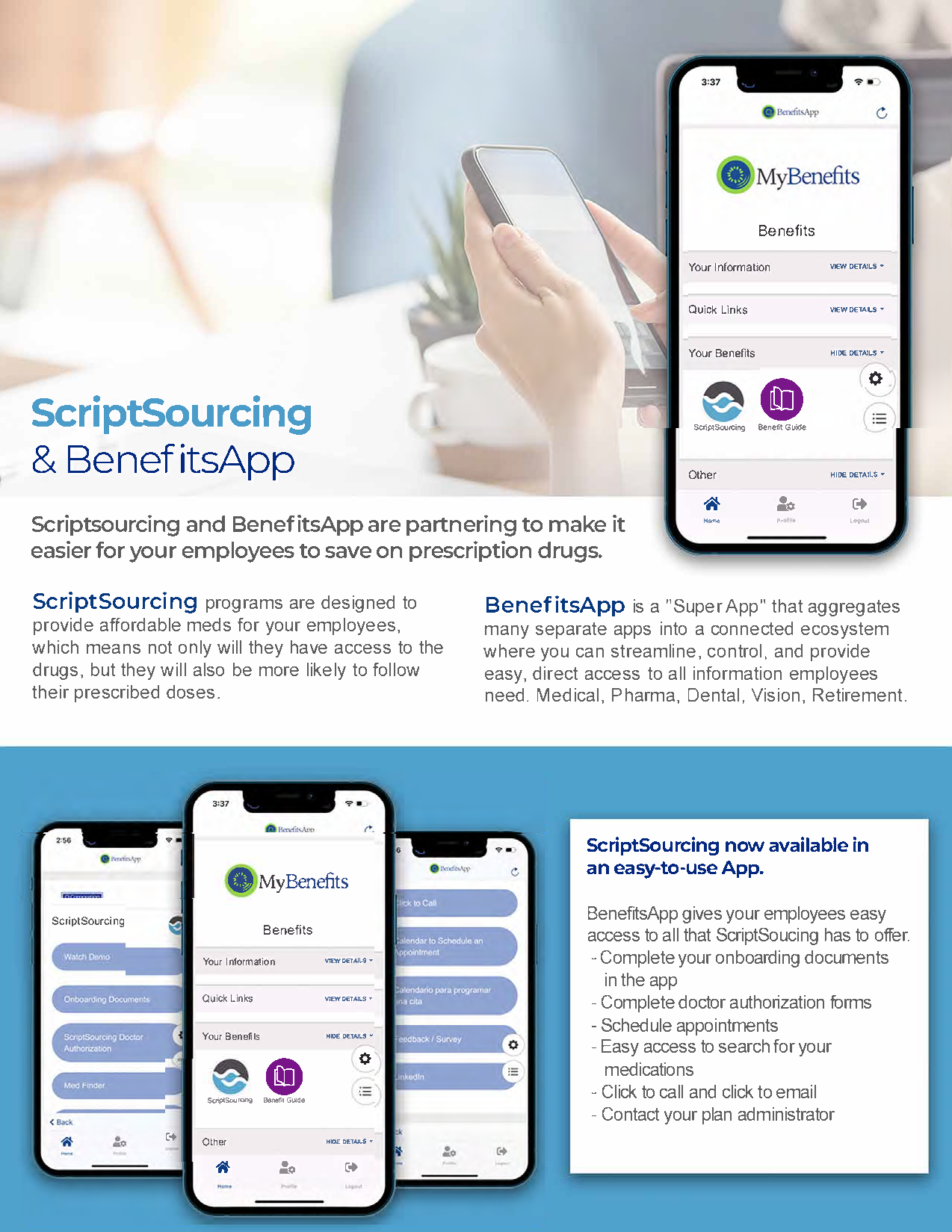
ScriptSourcing and BenefitsApp are partnering to make it easier for employees to save on prescription drugs.
Let’s Get Started! Please schedule a call with our team to learn more about BenefitsApp. We are available to support you or your team, and for sales support for client presentations. Click the button below to schedule a meeting.
BenefitsApp Demo’s: Share the BenefitsApp demo with clients. Login information can be found under each section below. *You’ve been pre-registered for these demos go directly to the login screen
Clients can register and login to their specific app showing their company banner. Company Code: Contact your ScriptSourcing account manager for your company code. Member ID: Not required
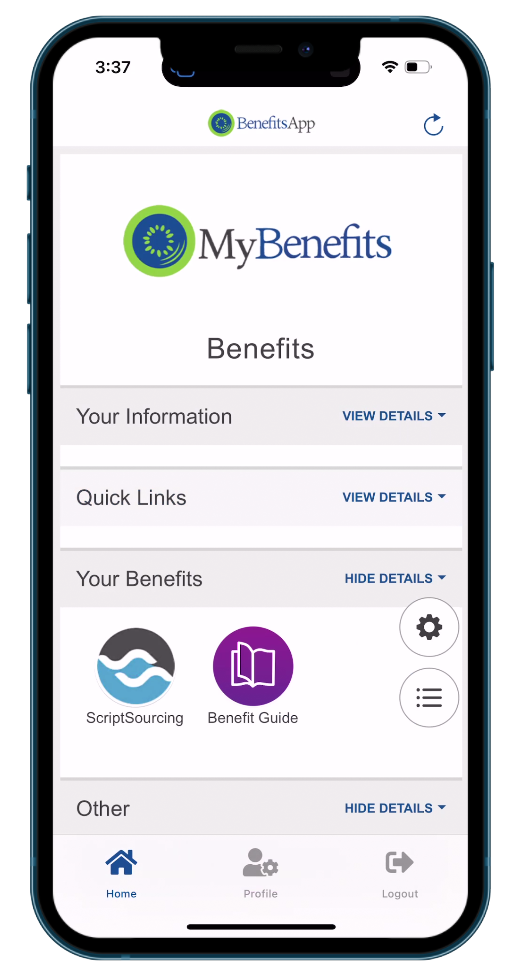
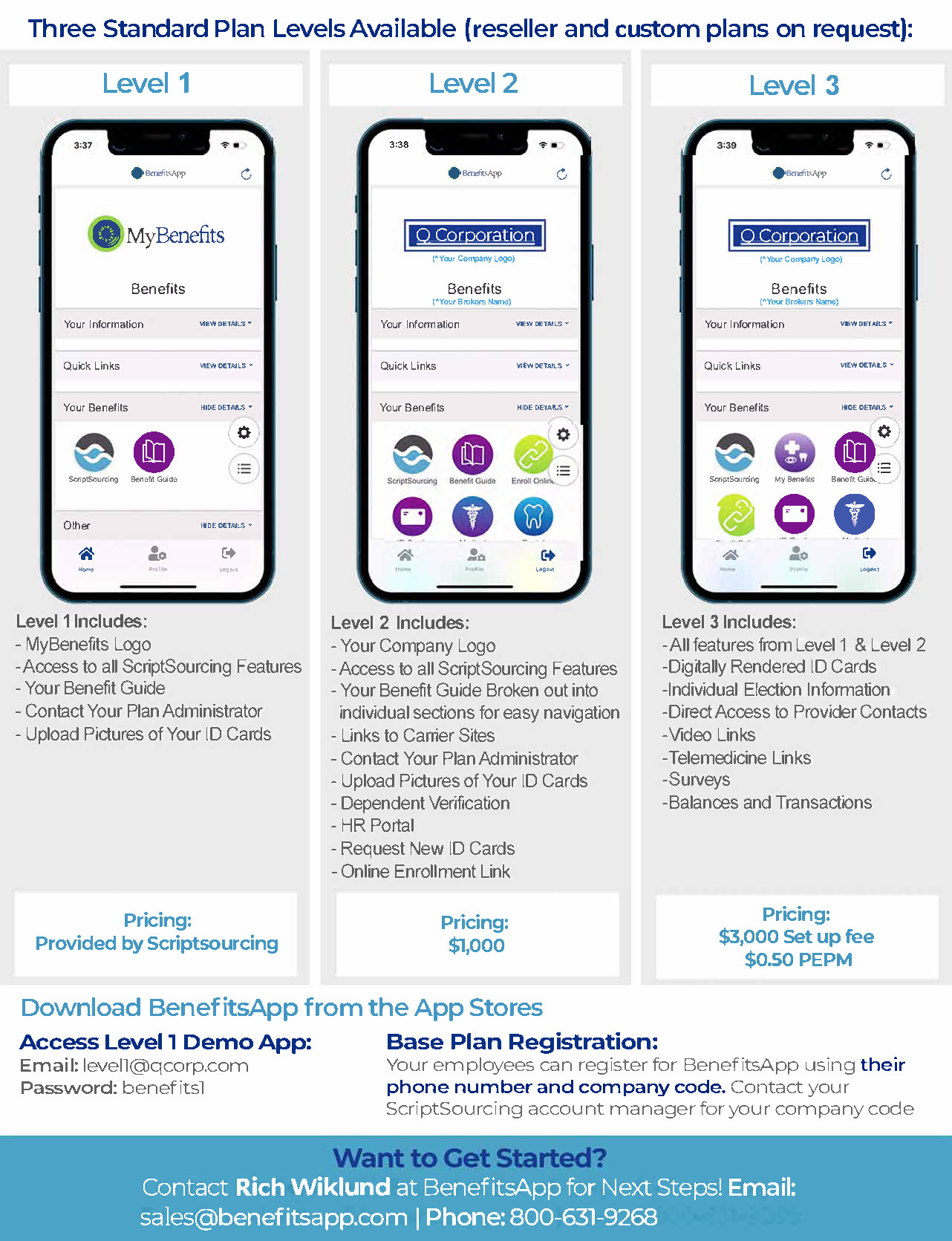
Level 1 Includes: – MyBenefits Logo – Access to all ScriptSourcing Features – Your Benefit Guide – Contact Your Plan Administrator – Upload Pictures of Your ID Cards
Access Demo – Login using: Username: level1@qcorp.com Password: benefits1 *You’ve been pre-registered for this demo go directly to the login screen
Level 2
Pricing: $1,000
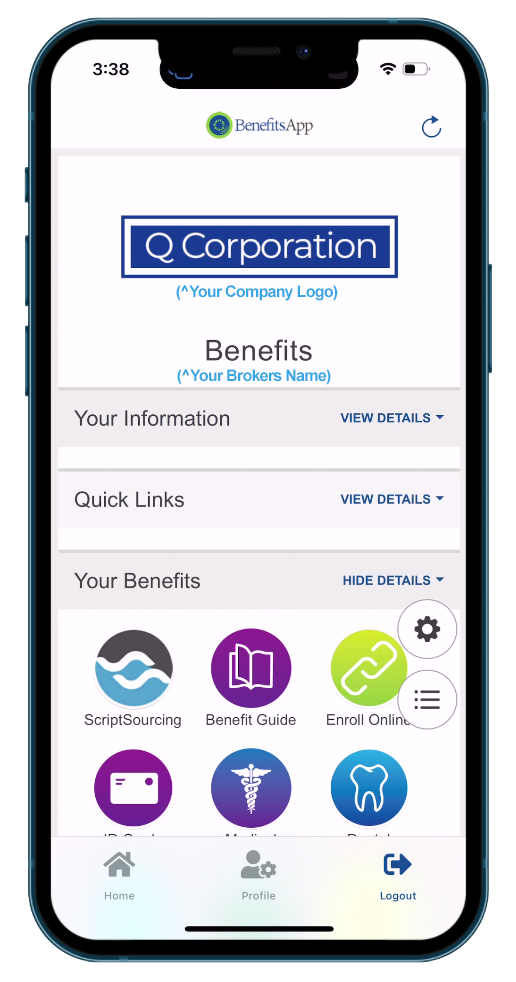
Level 2 Includes:
– Your Company Logo – Access to all ScriptSourcing Features – Your Benefit Guide Broken out into individual sections for easy navigation – Links to Carrier Sites – Contact Your Plan Administrator – Upload Pictures of Your ID Cards – Dependent Verification – HR Portal – Request New ID Cards – Online Enrollment Link
Access Demo – Login using: Username: level2@qcorp.com Password: benefits1 *You’ve been pre-registered for this demo go directly to the login screen
Level 3
Pricing: $3,000 Set up fee $0.50 PEPM
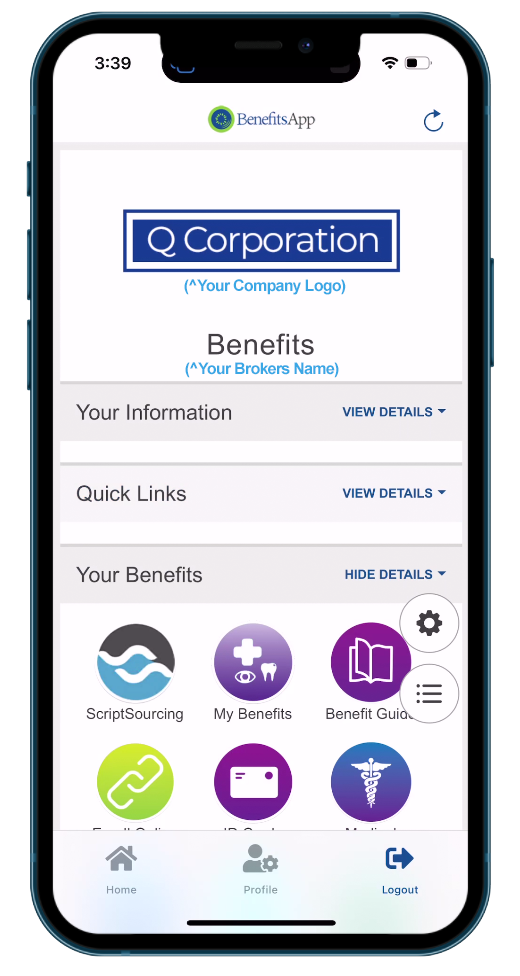
Level 3 Includes:
– All features from Level 1 & Level 2 – Digitally Rendered ID Cards – Individual Election Information – Direct Access to Provider Contacts – Video Links – Telemedicine Links – Surveys – Balances and Transactions
Access Demo – Login using: Username: level3@qcorp.com Password: benefits1 *You’ve been pre-registered for this demo go directly to the login screen